
Haptic technology uses touch and physical sensation to create an interaction, such as a phone alert, a confirmation pulse or a directional cue. Timing, location and the character of a stimulus can help distinguish messages. The sensation becomes meaningful through its relationship with an event and the user's interpretation. A useful interface therefore needs both a perceptible physical signal and a clear reason for that signal to occur.
Updated:
What is haptic technology?
Haptic technology concerns touch-based interaction: a system produces a physical stimulus that a person can feel.
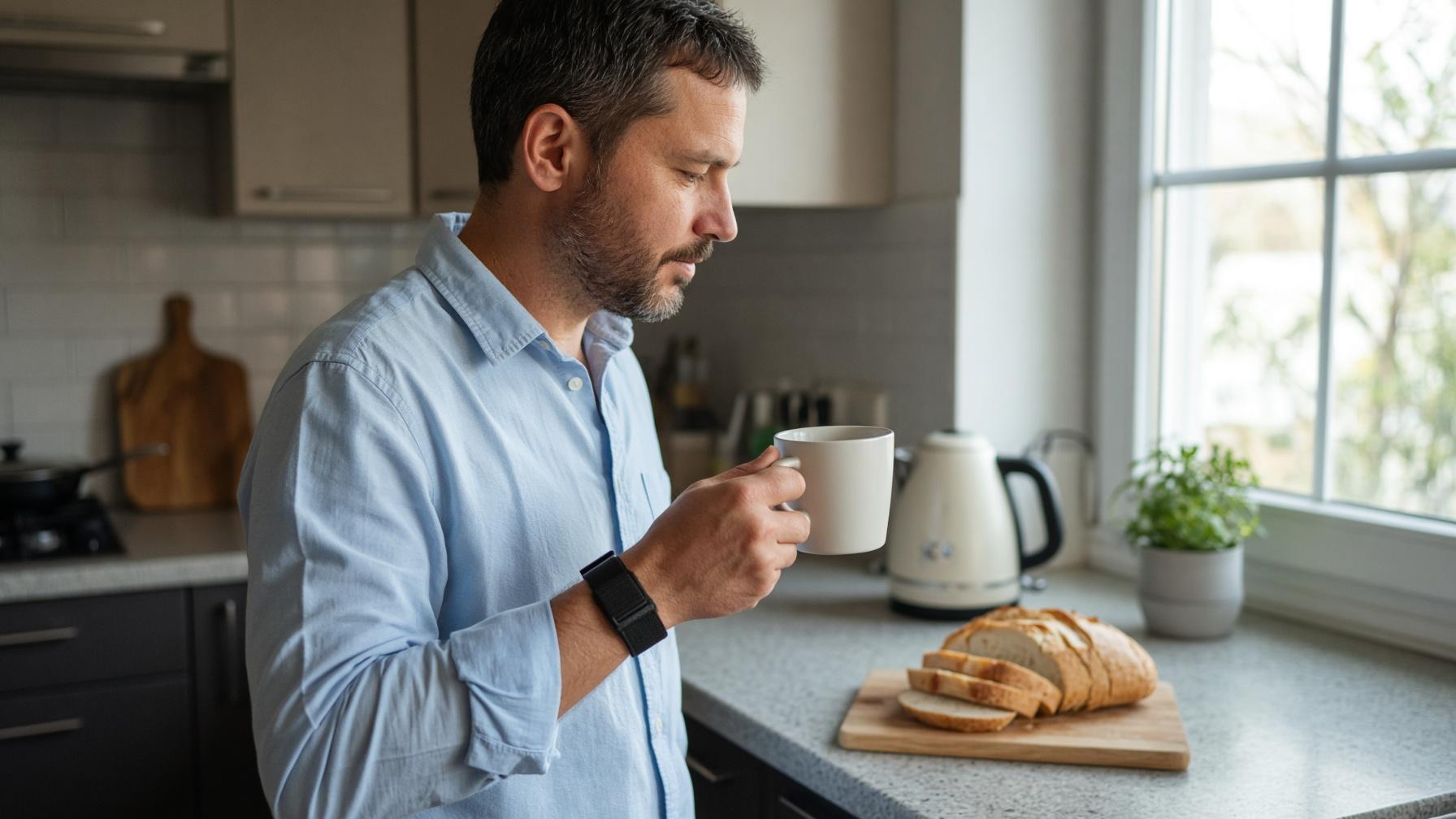
A phone vibrating in your pocket is a familiar example. It directs your attention before you read a word. Other haptic interfaces can mark a button press, indicate a direction or represent contact in a digital environment. Vibration is one approach; pressure, force and electrical stimulation offer other ways of producing tactile input.
A sensation and its meaning are different things
The same short vibration could announce a call, confirm a payment or prompt a turn. The physical event does not contain those meanings by itself. The device's behaviour, the surrounding situation and what you have learned tell you how to interpret it.
This is why a simple pulse can be useful. If it arrives immediately after a button press, its timing connects the sensation to your action. A longer or more elaborate pattern would not necessarily communicate that confirmation more clearly.
The design question is therefore broader than “Can the user feel it?” It also asks, “Can the user understand what it means, when it matters?”
How do timing and location turn touch into a message?
Timing and location let designers make signals distinct, while a consistent mapping connects each signal to its intended meaning.
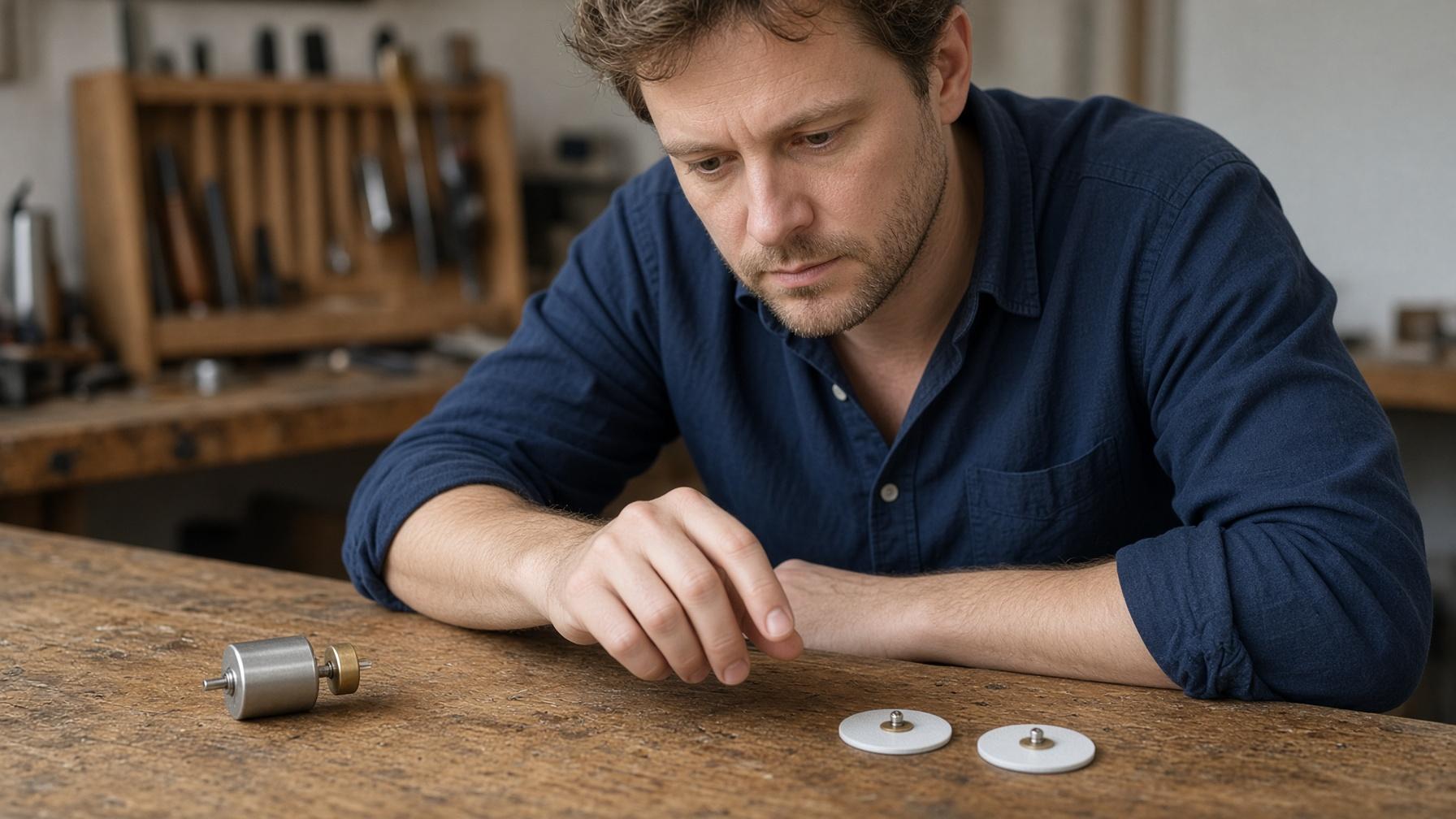
A short pulse differs from a prolonged one; a single event differs from a sequence. A sensation on the left can be distinguished from one on the right when the contact arrangement and task support it. Combining these variables creates a vocabulary of cues.
| Variable | What changes? | What should a designer check? |
|---|---|---|
| Duration | A brief event versus a longer event. | Can users distinguish the two during the intended task? |
| Sequence | The number, order and spacing of events. | Can users recognise the pattern without confusing it with another? |
| Location | The contact point or order of stimulation across several points. | Can users identify the location or progression on that body area? |
| Mapping | The event or instruction assigned to a signal. | Does the signal's meaning stay clear and consistent? |
More patterns do not automatically mean better communication
Each added pattern creates something else to learn and recognise. Two clearly distinguishable cues may serve a task better than a larger set that users mix up. The useful vocabulary depends on the task, rather than a universal number of signals.
Location has limits too. Several contact points do not guarantee that a device can draw any imagined shape clearly on the skin. Actuator spacing, contact and the body area affect what can be delivered and interpreted.
The setting is part of the interface
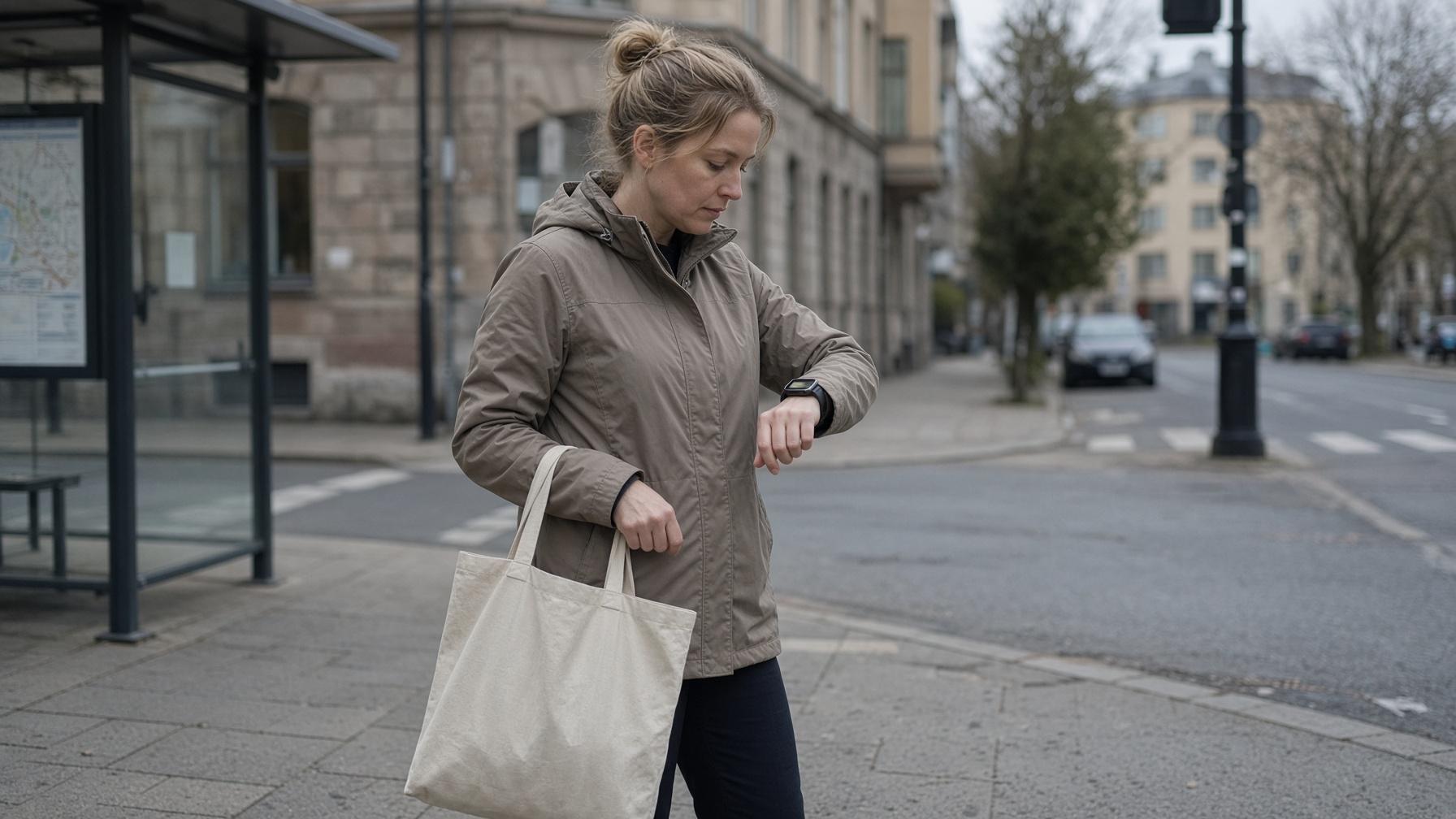
A sensible evaluation asks whether cues remain noticeable and understandable while the person performs the real task. Sitting quietly and waiting for a signal differs from walking, talking or concentrating on something else. Attention is part of the design problem.
Useful questions include whether someone notices a cue, identifies its location, recognises its pattern and responds as intended. Those are separate checks; detecting a sensation does not establish that its message was understood.
What do skin interfaces and knitted haptic sleeves demonstrate?
Research demonstrates several ways to deliver tactile patterns, with different solutions for actuation, power and comfortable contact with the body.
Skin-integrated wireless interfaces: local mechanical vibration
In a 2019 Nature paper, Xinge Yu and colleagues described a wireless, battery-free platform that could conform softly to curved skin surfaces. It communicated through programmable patterns of local mechanical vibration, controlled across space and time.
The abstract describes demonstrations involving personal engagement, prosthetic feedback and entertainment. “Battery-free” refers to that platform's power-delivery design: it does not mean the actuators operate without an energy source.
The example brings two parts of haptic design together. The physical structure places local stimuli against the body, while the control system determines when and where those stimuli occur. Coordinating them creates the pattern.
Haptiknit: pneumatic actuators within knitted textiles
Haptiknit, reported by Cosima du Pasquier and colleagues in Science Robotics in 2024, took a different approach. Knitted textiles incorporated pneumatic actuators, with areas of higher and lower stiffness helping transfer forces to the skin. An adjustable forearm sleeve was coupled to an untethered pneumatic control system.
The researchers evaluated touch localisation and recognition of social touch cues. This illustrates why making a wearable softer is only one part of the challenge: it also needs enough support in the right places to transmit the intended force.
These studies describe particular research platforms. Their different mechanisms are useful examples of the field's variety; a similar-looking patch or sleeve does not automatically share their actuators, programmable functions or communication capabilities.
How do sensing, haptic feedback and sensation products differ?
A sensor collects information, a haptic output delivers a physical signal, and a feedback system links an output to an action or measurement.
A heart-rate sensor measures something about the body. A vibration alert supplies a signal to the person wearing it. A system that changes its output in response to a measurement combines those roles. The words “wearable” and “smart” alone do not identify which function a product performs.
A product can also be designed around a sensation itself. In that case, its purpose may be a physical experience rather than communicating a navigation instruction, notification or measurement.
KTRL as a compact sensation product
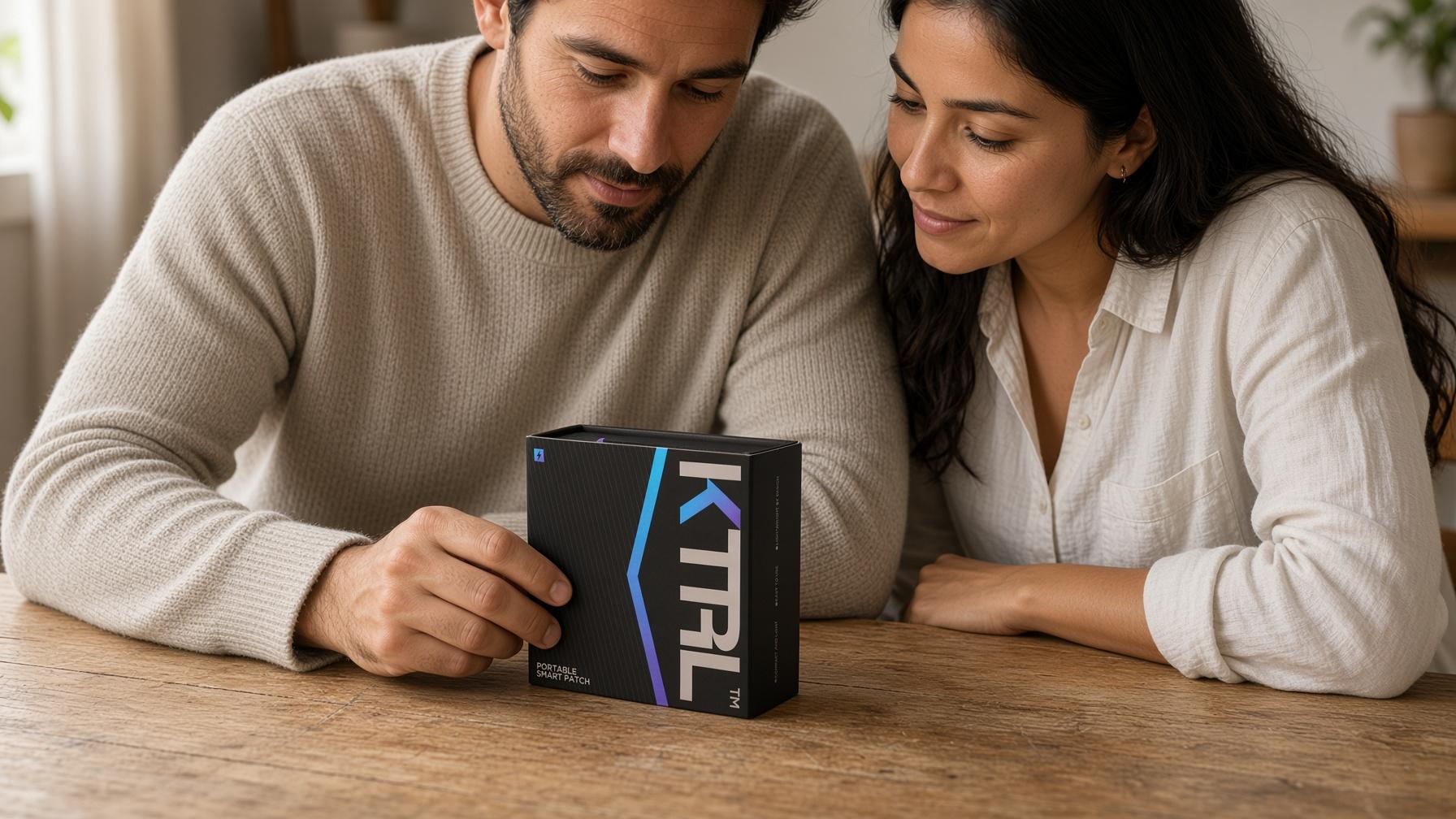
KTRL Portable Smart Patch, model WDC201, is a single-use consumer electronic product that uses controlled electrical pulses through external skin contact to create a rhythmic physical sensation. It contains its own power source and controls, with no charging or separate controller required.
That compact, self-contained format is a concrete feature to consider if the intended sensation interests you. The vibration-based Nature interface and pneumatic Haptiknit sleeve above serve as examples of information interfaces; they are not descriptions of KTRL's mechanism or evidence of its effects.
KTRL is intended for men aged 18–60, subject to the full suitability restrictions, and is for external skin contact only. It is not a medical device and is not intended to diagnose, treat, cure or prevent disease or medical conditions.
Read the complete KTRL user guide and printed instructions before use. Apply only to the specified clean, dry, intact skin, for no more than 30 minutes of cumulative powered-on time in one session. Time switched off does not count, and restarting does not reset the total. Switch off before removal or repositioning, and do not reuse across sessions. If discomfort occurs, stop, switch off and gently remove the patch; if symptoms persist, do not resume use and seek professional advice.
Three questions that clarify a wearable's purpose
What does it do? Identify whether it measures, communicates information, produces sensation or combines these functions.
How does it produce the output? Look for the stated mechanism, such as mechanical vibration, pneumatic pressure or electrical pulses.
What makes the experience useful? Consider the task or sensation you actually want, rather than the number of patterns or a “smart” label.
Haptic technology gives interfaces another route to reach people. A tactile signal becomes useful information when its pattern, purpose and interpretation fit together; a sensation product serves a different need when the feeling itself is the intended experience.
Frequently asked questions
Is haptic feedback just vibration?
No. Vibration is a familiar method, but haptic systems can also use forces, pressure or electrical stimulation. The device description should identify how its physical output is produced.
Can a touch signal replace an entire message?
It depends on the task and the signal vocabulary. A cue may be enough to confirm an action or direct attention, while a detailed message may still need a screen or another channel.
Does a haptic wearable automatically measure the body?
No. Delivering tactile output and collecting measurements are separate functions. Check whether sensors and a measurement function are actually specified.
Does battery-free mean a device needs no power?
No. It means the particular design operates without an onboard battery. The 2019 research platform still required an energy-delivery method to power its electronics and mechanical vibrations.
Does KTRL use the same technology as the research interfaces?
KTRL's stated mechanism is controlled electrical pulses creating a rhythmic physical sensation. The cited platforms use local mechanical vibration and pneumatic actuators, respectively, and their findings should not be transferred to KTRL.
Sources
Yu X and colleagues. Skin-integrated wireless haptic interfaces for virtual and augmented reality. Nature, 20 November 2019; 575:473–479.
du Pasquier C and colleagues. Haptiknit: Distributed stiffness knitting for wearable haptics. Science Robotics, 18 December 2024. Indexed abstract and bibliographic record.
KTRL. Portable Smart Patch: official product information. Accessed 29 October 2026.
KTRL. User guide: model WDC201 restrictions and instructions. Accessed 29 October 2026.